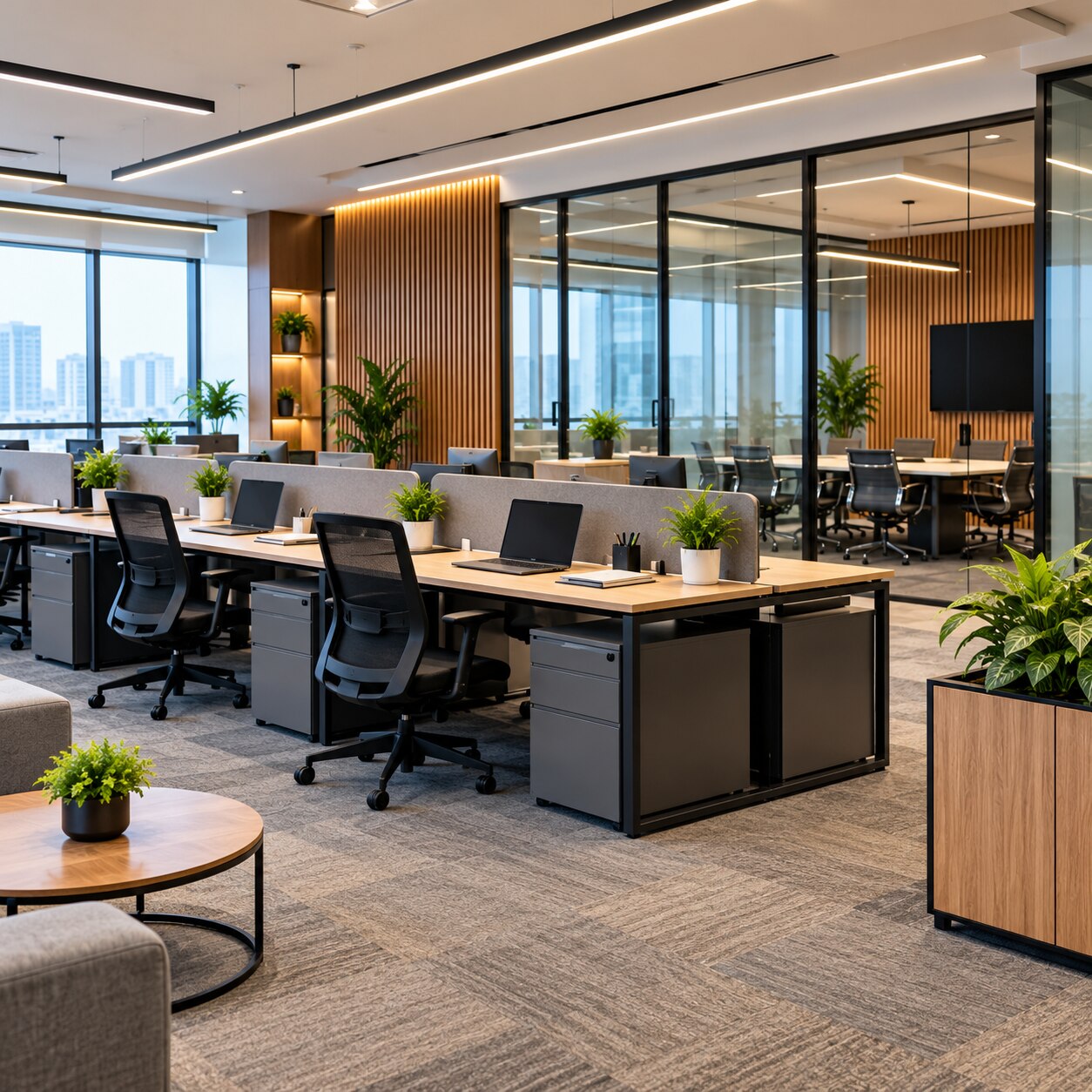
A productive office starts with decisions that can be measured: how many people need seats, where conversations occur, how far employees walk for support spaces, and whether light, sound, air and power suit the work. By the end, you will have a practical framework for briefing an interior designer for office, testing the plan, and checking the finished workspace before handover.
Key takeaways
- Calculate capacity from simultaneous occupancy, not payroll headcount.
- Match desk, meeting and collaboration zones to each team’s work patterns.
- Coordinate power, data, lighting, ventilation and compliance before installation.
- Use approved drawings and a documented handover to control the fit-out.
Start with a workplace brief and capacity calculation
Start with simultaneous occupancy, not the number on the payroll: that figure determines realistic workstation capacity and prevents office space planning from treating every desk as permanently occupied.
1. Build the office workplace brief. Record current and forecast headcount, attendance by day, job functions, team adjacencies, confidential-work requirements, visitor numbers, meeting frequency, technology needs and expansion plans. Separate total headcount from peak simultaneous occupancy; ten staff who attend on different days do not require ten permanently assigned desks.
2. Convert demand into capacity. Count assigned desks, shared desks, private cabins, meeting seats and support spaces, then add a defined future-growth allowance. Size each workstation around its user, monitor, keyboard, chair and equipment rather than desk appearance.
Include storage volume for personal items, files, consumables, printers and shared equipment, or cabinets and print points will occupy circulation routes later. Do not fill every available square metre; preserve movement, access and adaptability.
3. Test the brief against the building before approving a concept. Check the lease plan, structural columns, windows, entrances, toilets, shafts, existing services, sanctioned building use and fire exits. Confirm that furniture will not reduce required escape routes or accessible paths.
This office headcount planning record gives the designer measurable inputs for testing area, cost and workstation capacity before drawings become expensive to change.
Choose a layout that matches how each team works
Desk choice should follow the team’s work, not a preference for a particular visual style. Use an open-plan office for visible coordination, private office cabins for sustained confidentiality, bench desks for compact shared teams, and a hot-desking office layout only for staff who genuinely move between sites, rooms or client locations.
| Option | Best fit | Main risk |
|---|---|---|
| Open-plan desks | Teams needing frequent visual coordination | Speech distraction and interruptions |
| Private office cabins | HR, leadership, legal or confidential work | Isolation and underused floor area |
| Bench desks | Compact teams sharing equipment and quick support | Limited privacy and personal storage |
| Hot-desking | Mobile staff with low desk attendance | Seat shortages and lost ownership |
| Hybrid workplace design | Teams mixing assigned seats, remote work and meetings | Failure if bookable settings are scarce |
Activity-based work succeeds only when the plan supplies quiet individual settings, collaborative tables, video-call booths, focused rooms and informal breakout areas. Removing assigned desks without these alternatives turns quiet work into competition for a few rooms.
Use this movement sequence:
- Place reception at the entry and visitor meeting rooms beside it.
- Move focused work away from busy routes.
- Put phone booths near teams that make frequent calls.
- Locate print, pantry and storage points close to users without cutting through quiet zones.
Separate one-to-one rooms, standard meeting rooms and larger project spaces. Match room numbers to meeting frequency, not seniority. Keep accessible movement paths and required escape routes clear; never treat them as leftover gaps between furniture. Check the layout against the National Building Code, local fire-authority requirements and the sanctioned building use.
Design the conditions that support comfortable work
Specify office ergonomics at the workstation, not as a general promise of comfort. Set the monitor roughly 50–100 cm from the user, with its top at or slightly below eye level. Leave enough keyboard clearance for relaxed shoulders and neutral wrists; a crowded desk forces bent elbows and raised shoulders.
| Option | Specification | Trade-off |
|---|---|---|
| Adjustable office chair | Lumbar support, adjustable seat depth, height and armrests | Fits more users but costs more than a basic chair |
| Fixed desk | One standard worktop height with an adjustable chair | Simple and economical, but can disadvantage shorter or taller users |
| Height-adjustable work surface | Seated and standing positions | Supports varied postures, with higher cost and cable-management demands |
Provide a footrest for shorter users whose feet do not rest flat. Add sit-stand desks where tasks, user needs and budget justify them rather than treating standing as a universal remedy.
Use about 500 lux for regular office work as a reference associated with EN 12464-1, but control glare before increasing brightness. Effective office lighting design coordinates window orientation, blinds or solar-control glass, monitor placement and dimmable electric lighting; abundant unshaded daylight can make screens less usable.
Acoustic office design must target speech distraction. Use sound-absorbing ceilings, wall treatments and suitable flooring, and place printers and other noisy equipment away from concentrated work.
Meeting and HR rooms need sealed doors, properly detailed partitions and protected ceiling and service penetrations. Glazing alone does not provide speech privacy.
Coordinate air, power, technology and compliance before installation
Fix ventilation, thermal, electrical, technology and approval decisions before ordering furniture or finishes. Office ventilation design must follow the applicable mechanical code, including ASHRAE Standard 62.1 where relevant. CO2 readings can flag a ventilation change, but they do not prove complete indoor air quality office performance.
Use ASHRAE Standard 55 to assess air temperature, mean radiant temperature, air speed, humidity, clothing and activity. If one central setting cannot suit everyone, use zones, local thermostatic control or task-level adjustments.
| System | Decision to fix before ordering | Failure if missed |
|---|---|---|
| Ventilation | Outdoor-air rates, supply and return locations, controls | Stale air, noise or blocked diffusers |
| Thermal | Zones, solar loads and user controls | Hot and cold complaints |
| Electrical and technology | Office power planning for outlets, charging, backup power and office data points at desks, meeting tables, video-call rooms and critical equipment | Extension leads, trip hazards and inaccessible connections |
| Materials | Low-emitting adhesives, paints, sealants, flooring, composite wood and furniture; request California Department of Public Health Standard Method emissions testing where applicable | Odour and pollutant complaints after installation |
Check National Building Code provisions, local development and fire-authority requirements, sanctioned building use, accessible routes and unobstructed escape paths. This is office fire safety compliance, not a styling decision.
Finally, show access panels, service zones, modular power and data routes, and reconfigurable partitions on the drawings. Protecting these points makes maintenance and future layout changes less disruptive.
Run the project through drawings, approvals, installation and handover
A reliable office interior design process turns each decision into an issued document before work begins. Approve the workplace brief, test capacity options, develop the concept, then freeze measured plans and furniture layouts before ordering materials.
- Issue coordinated office construction drawings covering reflected ceilings, lighting, HVAC, power, data, fire systems and acoustics.
- Verify every site dimension, including columns, windows, shafts, floor levels and existing services.
- Obtain landlord consent, local authority and fire-authority clearances, and confirm the sanctioned building use.
- Check that furniture preserves accessible movement paths and required escape routes.
- Install only against the latest drawing revision, then inspect completed work.
- Record snags with an owner and due date.
- Complete practical completion and handover after defects are closed or formally assigned.
Compare designers by asking:
- Who produces and coordinates the office construction drawings?
- Who measures and verifies the site before fabrication?
- Where are drawing revisions recorded, dated and approved?
- How long will landlord and authority office fit-out approvals take?
- Who owns defects after practical completion?
Test one full-size workstation before repeating it. Adjust the chair, monitor position, cable access and storage, then check screen glare under daylight and electric lighting.
Your office handover checklist should include as-built drawings, product schedules, warranties, labelled electrical and data points, access-panel locations, cleaning instructions, ventilation controls, and defects with owners and dates. Design Doves can be compared with other studios when its manufacturing capability helps coordinate bespoke furniture with these measurable controls.
Related product
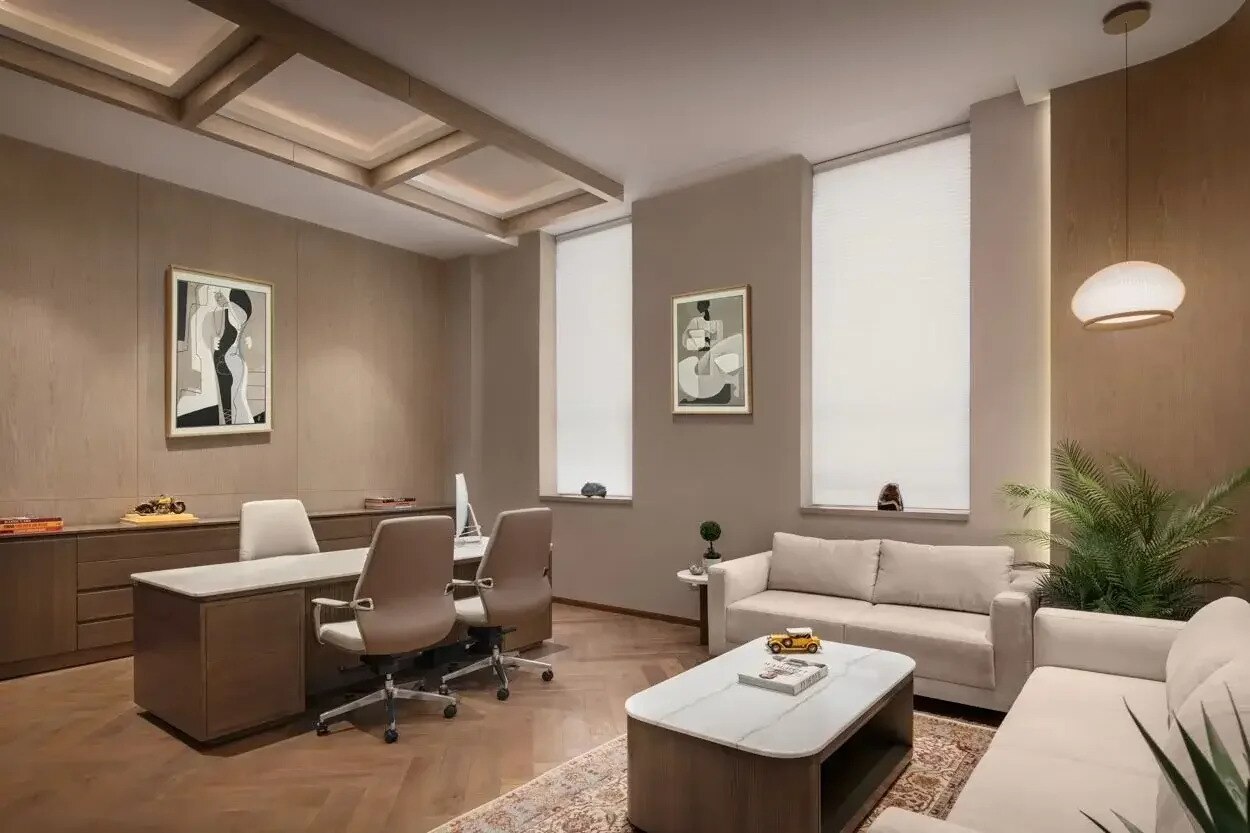 | Interior design Workspaces That Think, Create, and Inspire. We create dynamic and modern workspaces that foster productivity and innovation. View product → |
Frequently asked questions
How do you calculate office capacity before planning the layout?
Start with simultaneous occupancy: count how many people use the office at the same time, then plan workstations, meeting rooms and shared facilities around that figure.
Which office layout suits different teams?
Choose the layout according to work patterns: open desks support communication, enclosed rooms support focused or confidential work, and shared zones support collaboration.
What workplace conditions support comfortable, productive work?
Plan adequate lighting, ventilation, acoustics, temperature control, ergonomic furniture, circulation space and access to meeting or quiet areas.
What must be coordinated before office installation begins?
Coordinate air-conditioning, electrical loads, power points, data cabling, lighting, fire and safety provisions, approvals and other compliance requirements before installation.